

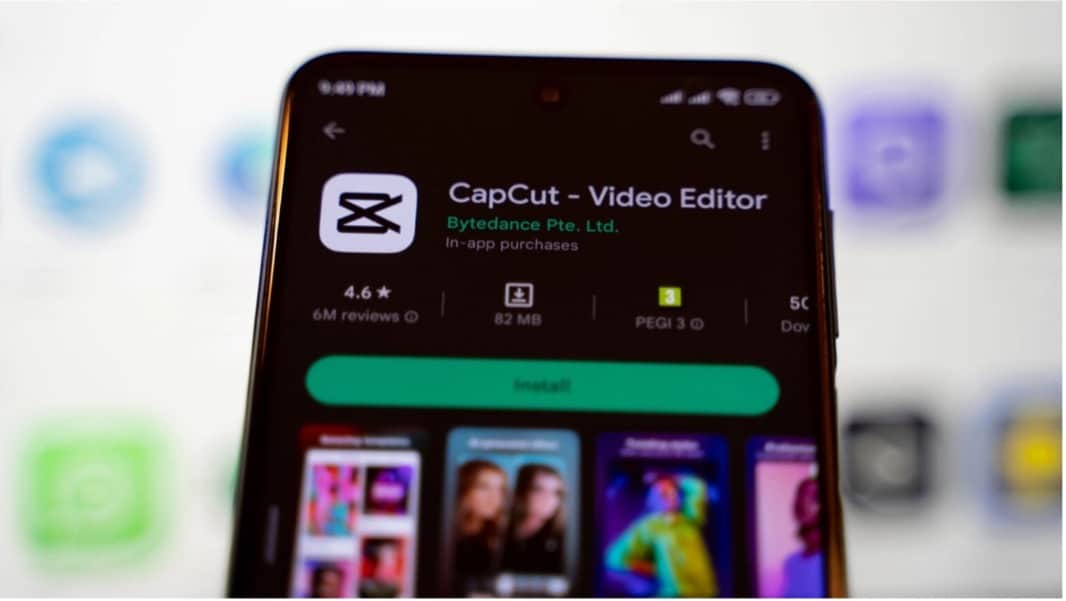
CapCut is a free video editing app developed by ByteDance, the company behind TikTok. It has become extremely popular with children and teenagers who want to create videos for platforms such as TikTok, Instagram Reels, YouTube Shorts and Snapchat. While many parents see it as simply a creative editing tool, recent updates mean it now includes features that resemble a social media platform.
In addition to editing videos, CapCut includes public profiles, followers, comments and a personalised content feed. This means children can interact with content from other users and may receive comments from people they do not know. Unlike some major social media platforms, CapCut currently offers limited parental controls and relies heavily on parents using device-level settings to manage access and screen time.
Parents should be aware of several potential risks. These include exposure to inappropriate content, beauty filters that may influence self-esteem and body image, and the sharing of personal information through videos. CapCut also collects data about how users engage with the app and the content they create. If linked to other social media accounts, children may become more visible to a wider online audience.
The good news is that there are practical ways to support safe use. Parents are encouraged to explore the app themselves, review followers and interactions with their child, avoid linking CapCut to other social media accounts, and make use of Screen Time (iOS) or Family Link (Android) controls. Most importantly, maintain regular conversations about online experiences and encourage children to talk about anything that makes them uncomfortable.
CapCut can be a powerful tool for creativity, storytelling and digital skills development. However, as with many popular apps, it is important for families to understand both the opportunities and the risks so that children can use it safely and responsibly.
Enjoy your weekend.
Brian Taylor
Vice Principal, Technology for Learning