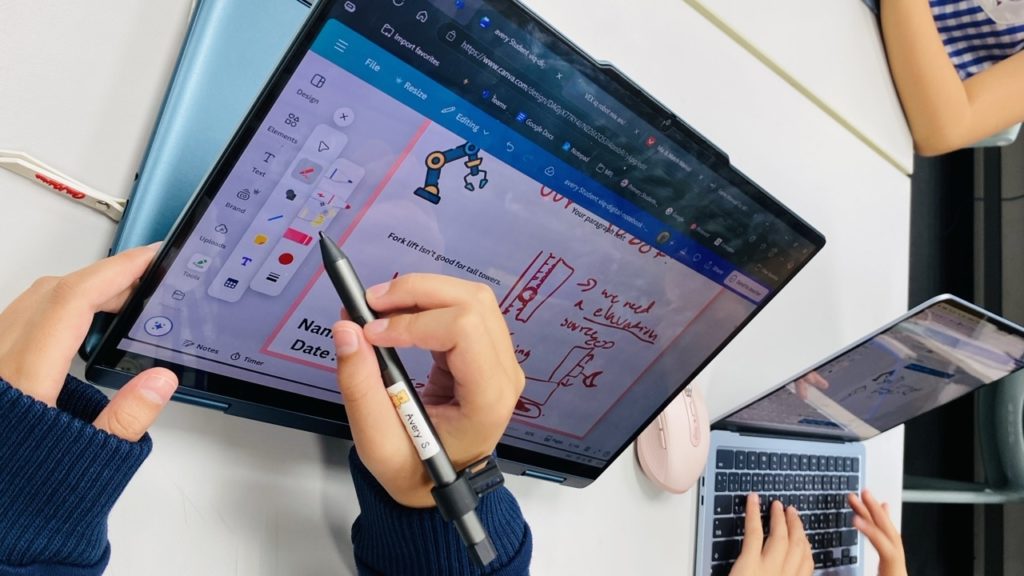
I am often asked by parents in our community about typing skills and why we have pen-enabled devices in our Laptops for Learning minimum specification. In today’s classrooms, technology is everywhere. But not all digital tools are created equal. One of the most exciting shifts in education is the move from traditional keyboard typing to digital inking, using a stylus or digital pen on tablets and laptops. This isn’t just a matter of preference or novelty. Research shows that stylus-based input can unlock deeper learning, better memory, and more creative thinking for students of all ages.
The Science Behind the Stylus
Why does writing or drawing with a digital pen make such a difference? It comes down to how our brains process information. When children use a stylus, they activate broader neural networks than when they type. This means their brains are more engaged, leading to better retention and understanding of new concepts. For example, studies using EEG (electroencephalograms – a way to measure brain activity) have shown that handwriting and drawing boost both memory and comprehension compared to typing. Fine motor skills develop through the same physical activity, whether using a digital stylus or a traditional pen or pencil.
But the benefits go beyond memory. Using a stylus encourages students to take generative notes, summarising, connecting ideas, and making sense of information, rather than simply copying text verbatim. This kind of active engagement is linked to stronger conceptual understanding and the ability to apply knowledge in new situations.
Learning Stages: How Stylus Use Supports Growth
Let’s break down how digital inking supports learning at different stages:
- Encoding (Initial Learning): Activates more of the brain, helping students remember and understand new material.
- Concept Formation: Promotes deeper note-taking and idea synthesis, rather than just copying.
- Application & Problem Solving: Enhances spatial reasoning and symbol fluency—especially important in STEAM (Science, Technology, Engineering, Art, Mathematics) subjects.
- Creative Synthesis: Drawing and diagramming help students remember by engaging both visual and verbal memory (dual coding).
- Feedback & Reflection: Annotating with a stylus encourages students to think about their own thinking (metacognition), leading to more meaningful learning.


Image courtesy of Oviatt, S. (2015) Pen? Keyboard? Voice? Touch? Computer interfaces and their impact on learning
Digital Inking in the Classroom
Here are some age-appropriate ways teachers are using digital inking:
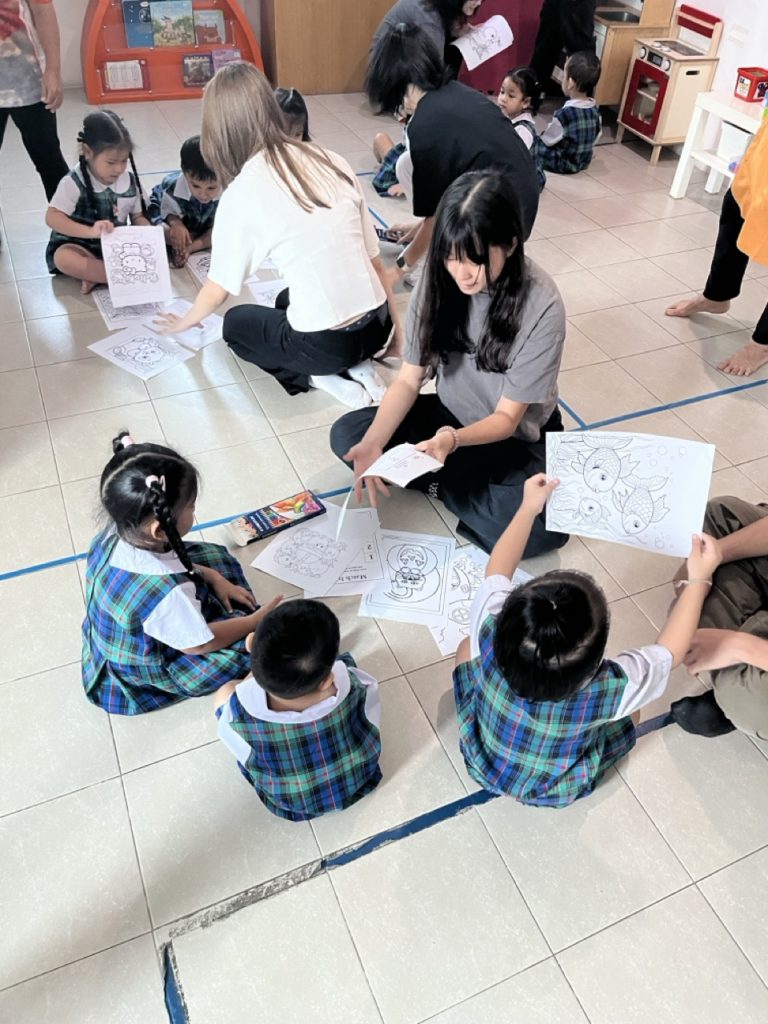
- Early Years / Primary: Children use handwriting and drawing to annotate images and create digital storyboards, reserving typing for publishing final pieces.
- Secondary: Students solve equations, annotate texts, write home-language characters, and sketch diagrams with a stylus. Typing is used for essay drafting and collaborative editing.
- Tertiary / Professional: Older students and adults use stylus notes for research, critical reading, and synthesizing complex ideas.
The Big Picture: Why It Matters
Digital pens are not just a tech upgrade, they reintroduce the cognitive and motor richness of handwriting into digital learning. When students can draw, annotate, and symbolise freely, they think more deeply and remember more vividly. This blend of old and new helps children become more engaged, creative, and independent learners.
Want to Learn More?
For those interested in the research, here are some key sources:
- Van der Weel & Van der Meer (2024)
- Mueller & Oppenheimer (2014)
- Oviatt et al. (2007)
- Wammes et al. (2016)
- Teachers College CPET (2023)
- Oviatt, S. (2015) Pen? Keyboard? Voice? Touch? Computer interfaces and their impact on learning
If you have questions about how digital inking is being used at our school, please reach out to me on brta@patana.ac.th.